> For the complete documentation index, see [llms.txt](https://docs.jianny.net/work/llms.txt). Markdown versions of documentation pages are available by appending `.md` to page URLs; this page is available as [Markdown](https://docs.jianny.net/work/azure/azure-only-service-accou.md).
# Azure-only Service Accou
Request for account on ServiceNow, will be interviewed to see if service principal can be used instead of a service account
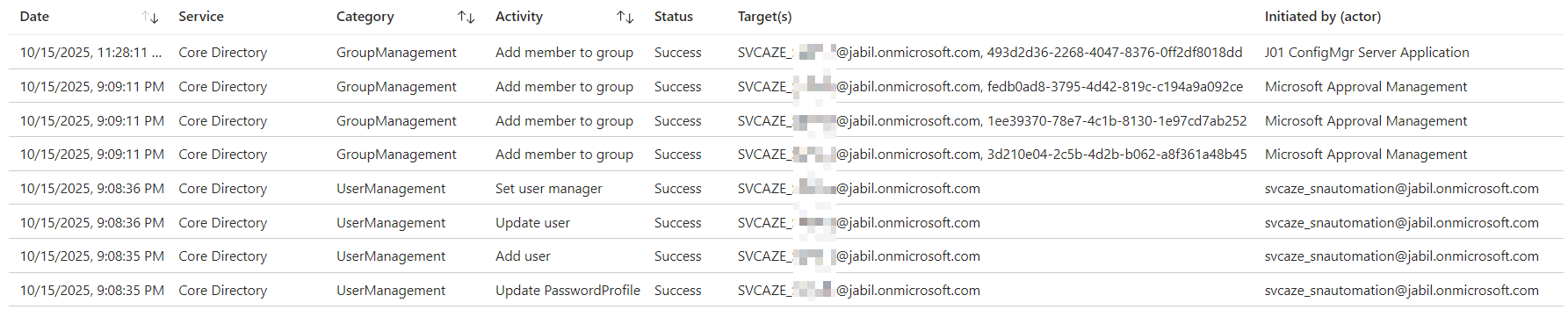
ServiceNow automation will create the account once approved and send email to the requestor
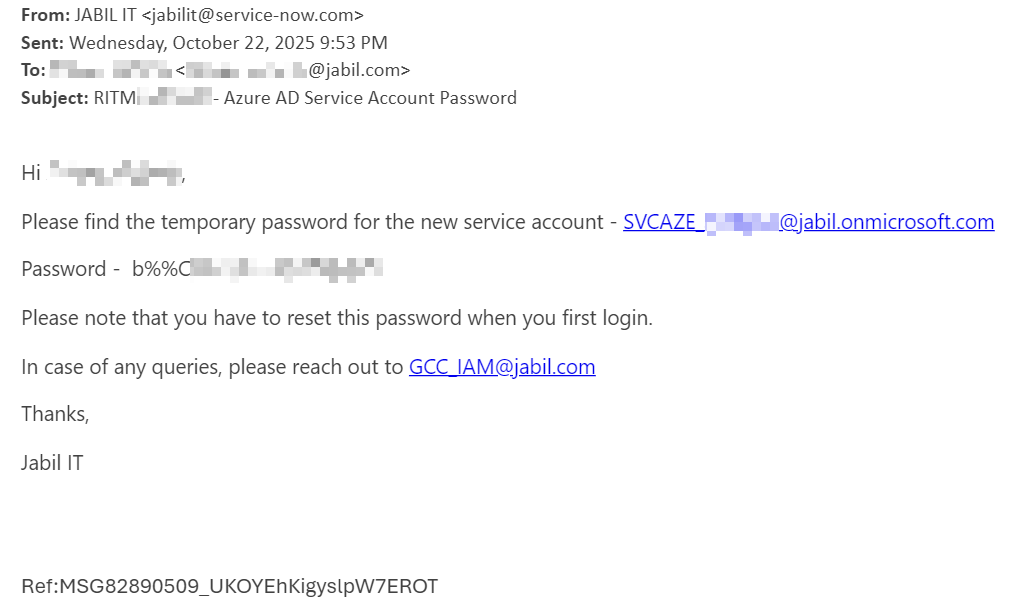
Once approved, user will get email consisting of the username and password
Content of the email sent to requestor of the SR after approval
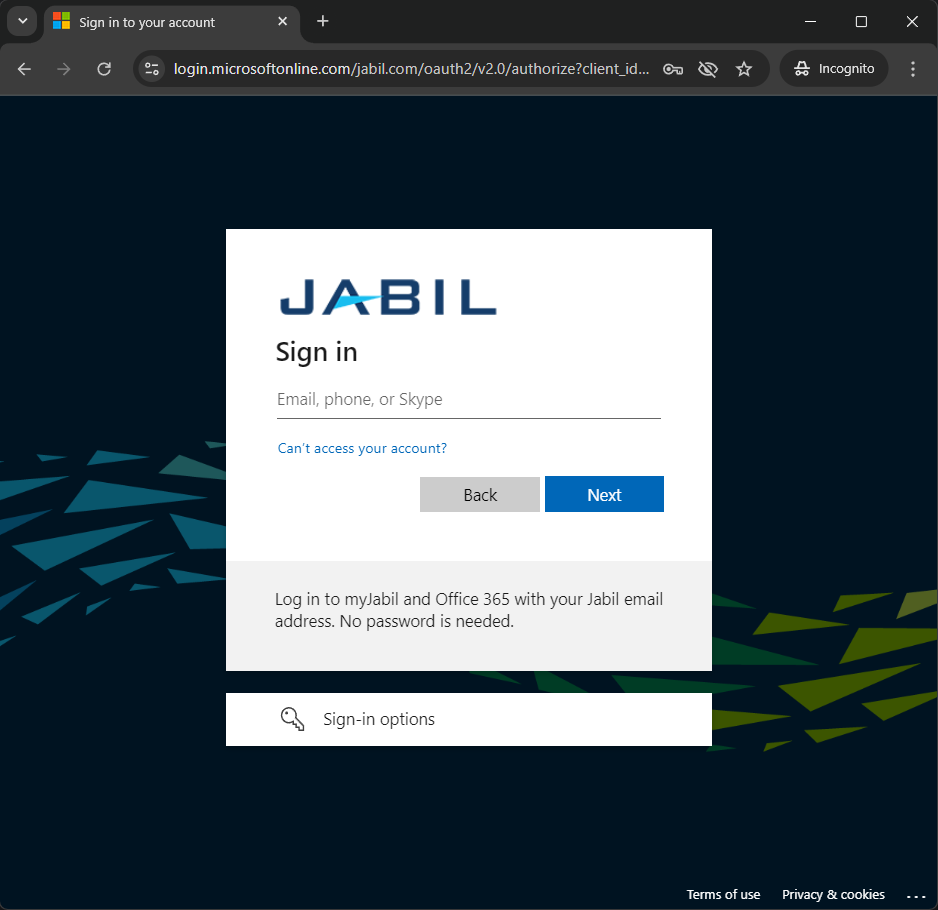
User will head to login.microsoftonline.com/jabil.com (not mentioned in the email but should be added) to log into the account for password setup
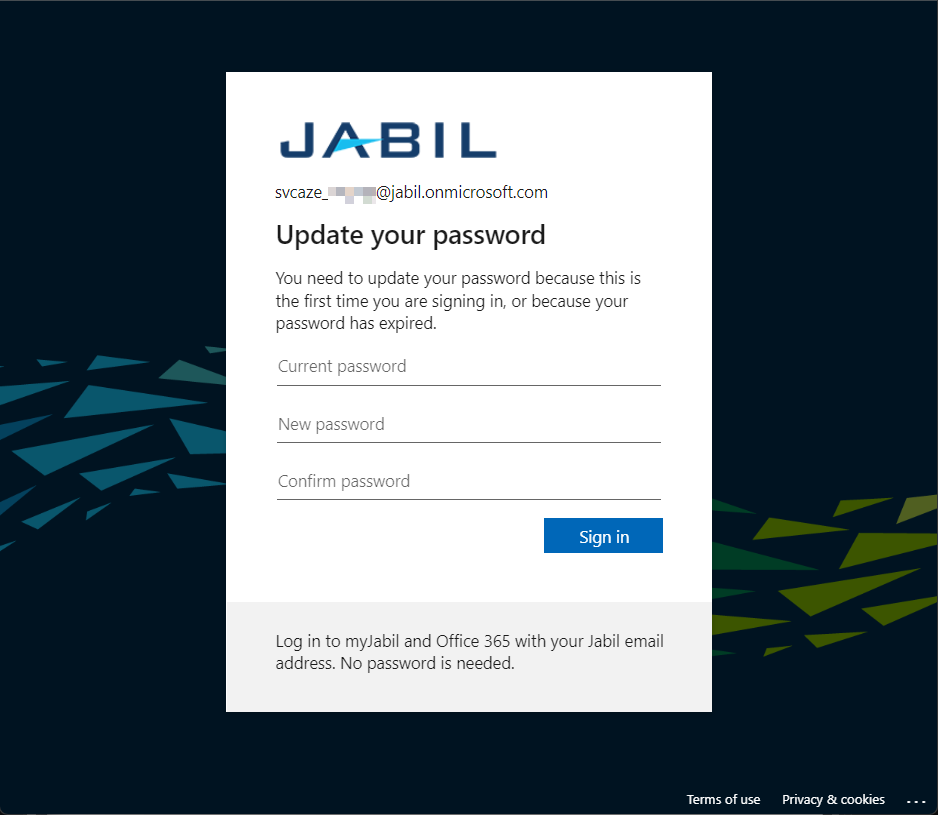
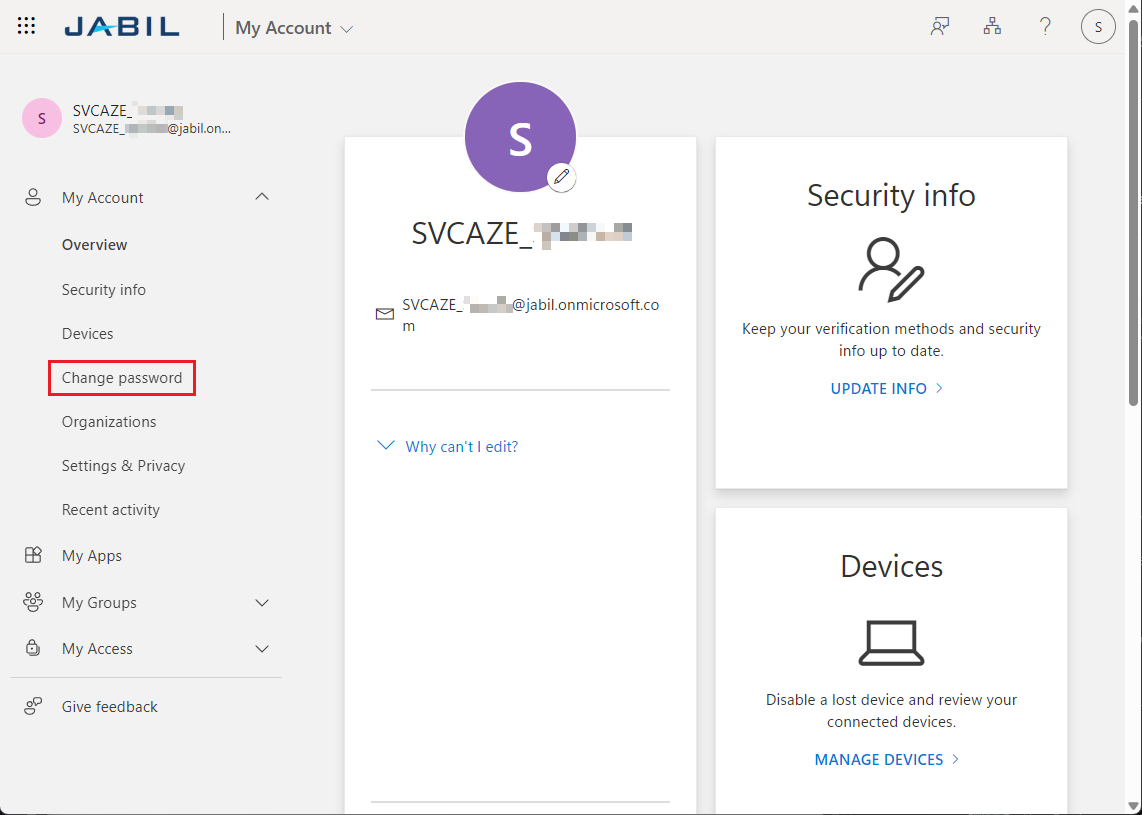
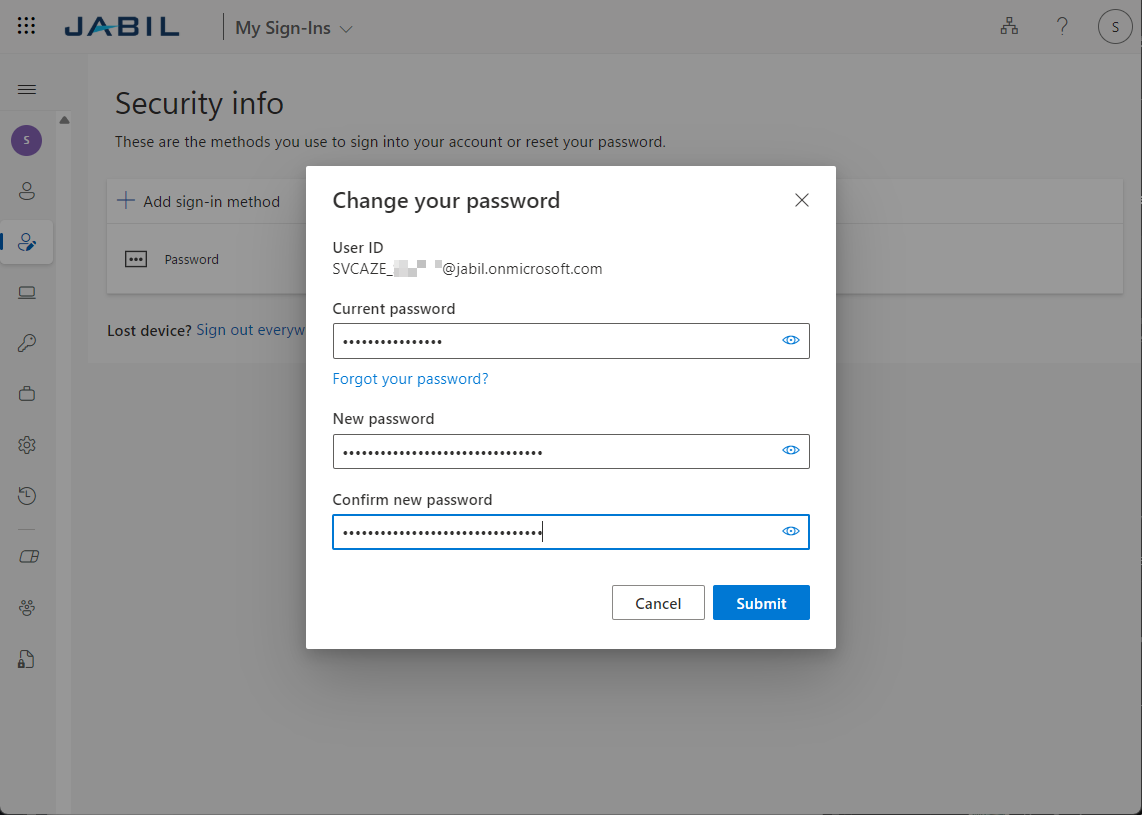
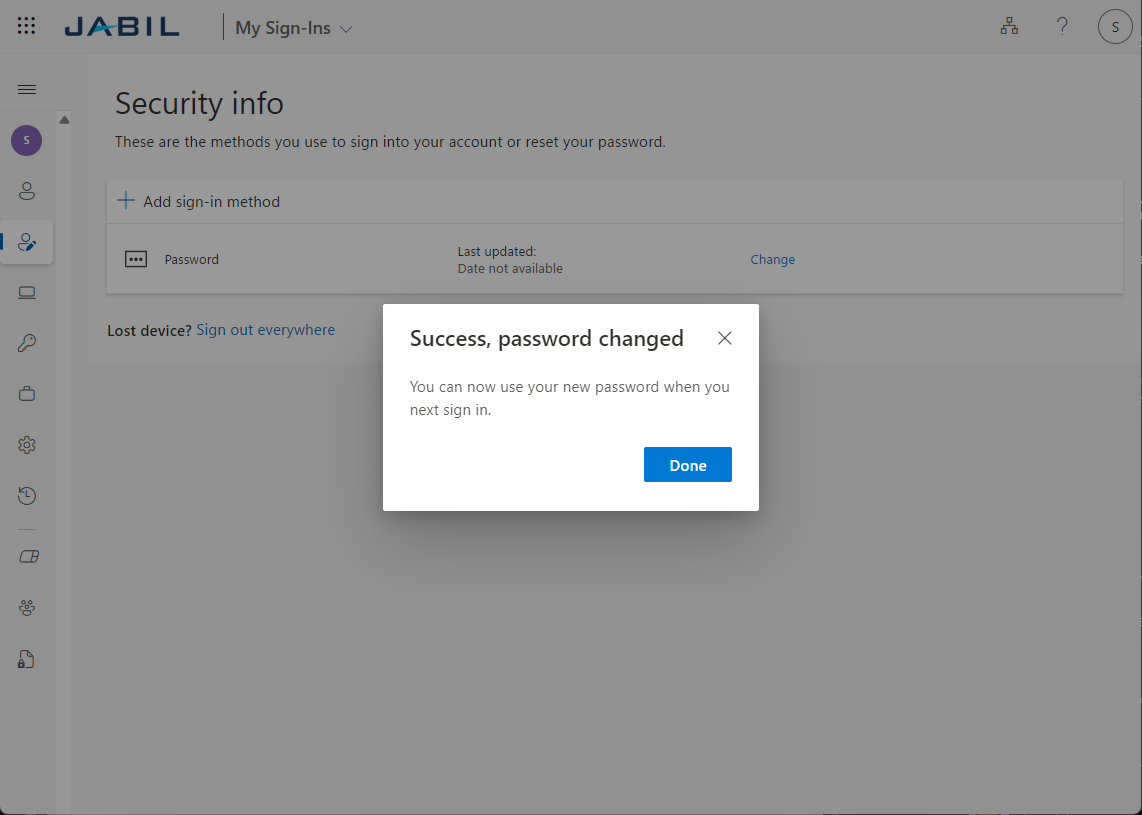
To change password, please follow the steps below, you can do this via login.microsoftonline.com/jabil.com portal or any other O365 web app if the account is licensed